
Gmail Offline is a Feature where you can Store your Mails, Chats, Attachments, labels in your personal Computer without having to use any Email clients like outlook.
Gmail Offline Let you to Synchronize all your Gmail contents to your PC when your connected to internet and makes u to work with your mails while not connected.
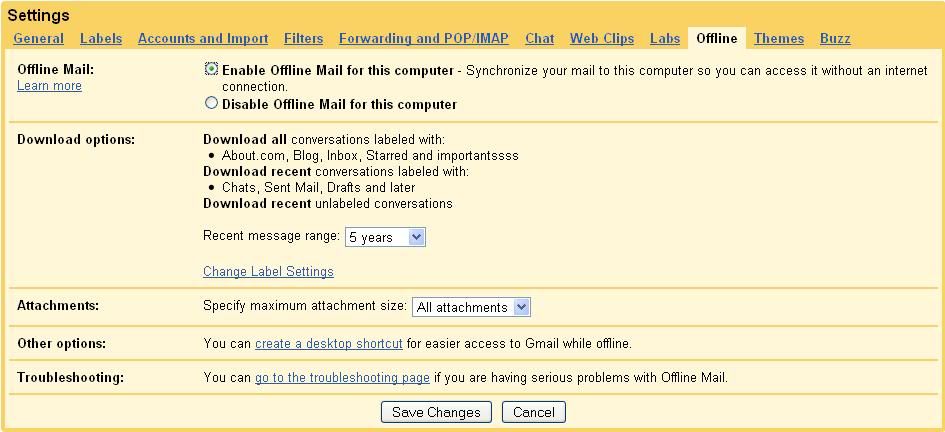
Enabling Gmail Offline Feature
1. Log into your Gmail
2. go to Settings->Offline
3. click "Enable offline mail for this Computer" and click "Save changes" button
4. Follow the instructions and Accept to install Google Gears which is less than 1 MB.
5. After this Few minutes Process, u'r Google mail gets synchronized to your PC
6. and you can access all your gmail contets offline by clicking the "Gmail Offline" icon on your Desktop


